Progetta Addestra Distribuisci
- Blocchi di flusso di lavoro visivi
- Assistente AI integrato
- Addestramento online e riproduzione
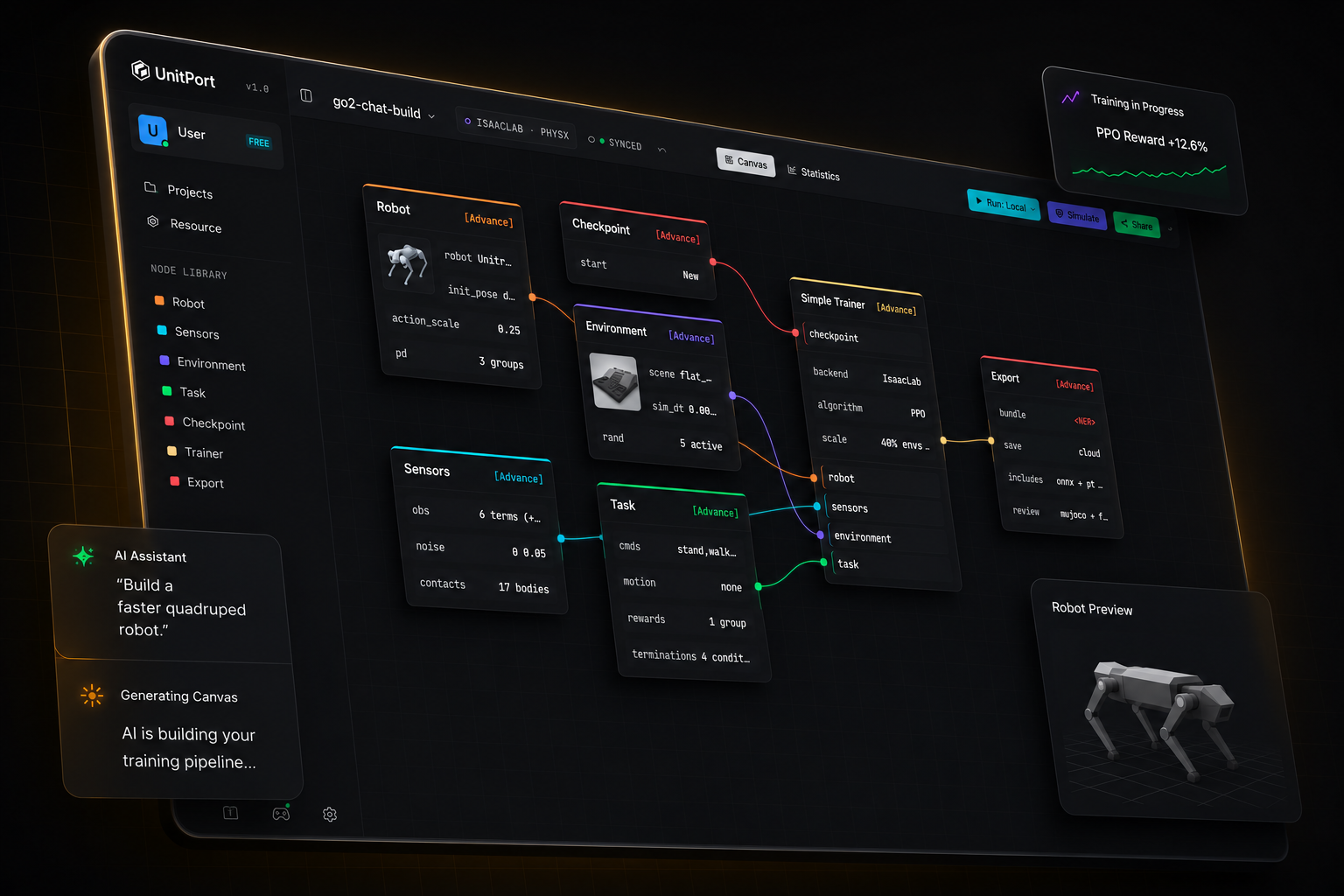
L'addestramento dei robot non è mai stato così semplice
Da un modello di robot a una policy in esecuzione.
Quattro passaggi, una sola scheda del browser. Installi qualcosa solo quando vuoi che l'addestramento venga eseguito sulla tua macchina.
-
01
Aggiungi un robot
Inizia da uno dei robot integrati, oppure importa la tua descrizione ed editala nel browser.
-
02
Componi il grafo
Sei nodi contengono l'intera configurazione — robot, observation, environment, task, checkpoint, trainer.
-
03
Addestra
Sulle nostre GPU cloud, sul tuo server oppure su Isaac Lab sulla macchina sotto la tua scrivania.
-
04
Controlla la policy, poi esportala.
Riproduci la policy addestrata in MuJoCo, quindi esporta un bundle con il contratto di cui un robot ha bisogno per eseguirla.
Dì all'AI
Costruisce la configurazione
Puntalo all'AI in esecuzione sul tuo computer. Oppure a un qualsiasi indirizzo API. O usa semplicemente il nostro agente.
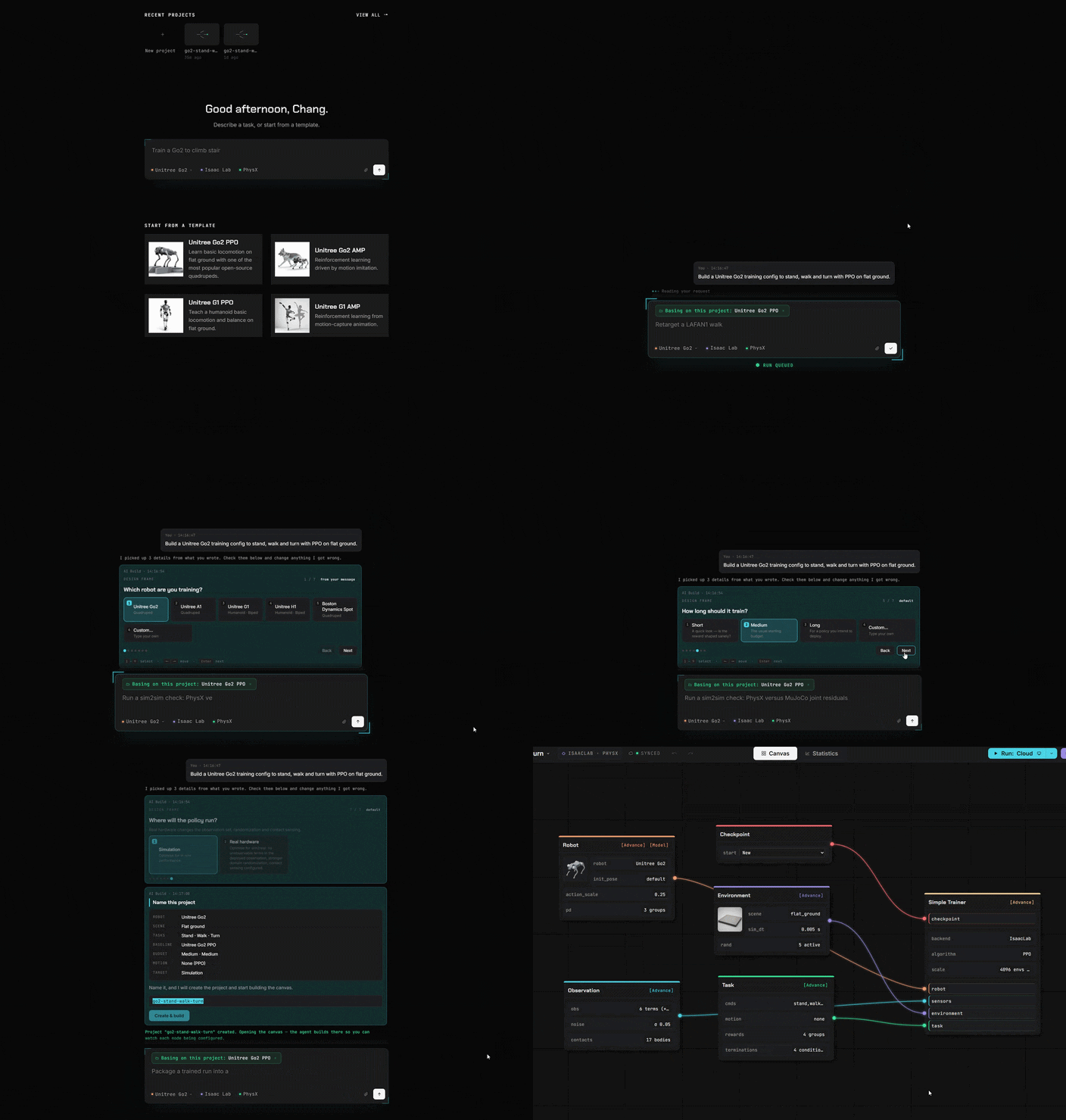
Blocchi invece di codice
Tutto ciò che scrivevi in codice ora è un blocco. Trascinalo, collegalo, fatto.
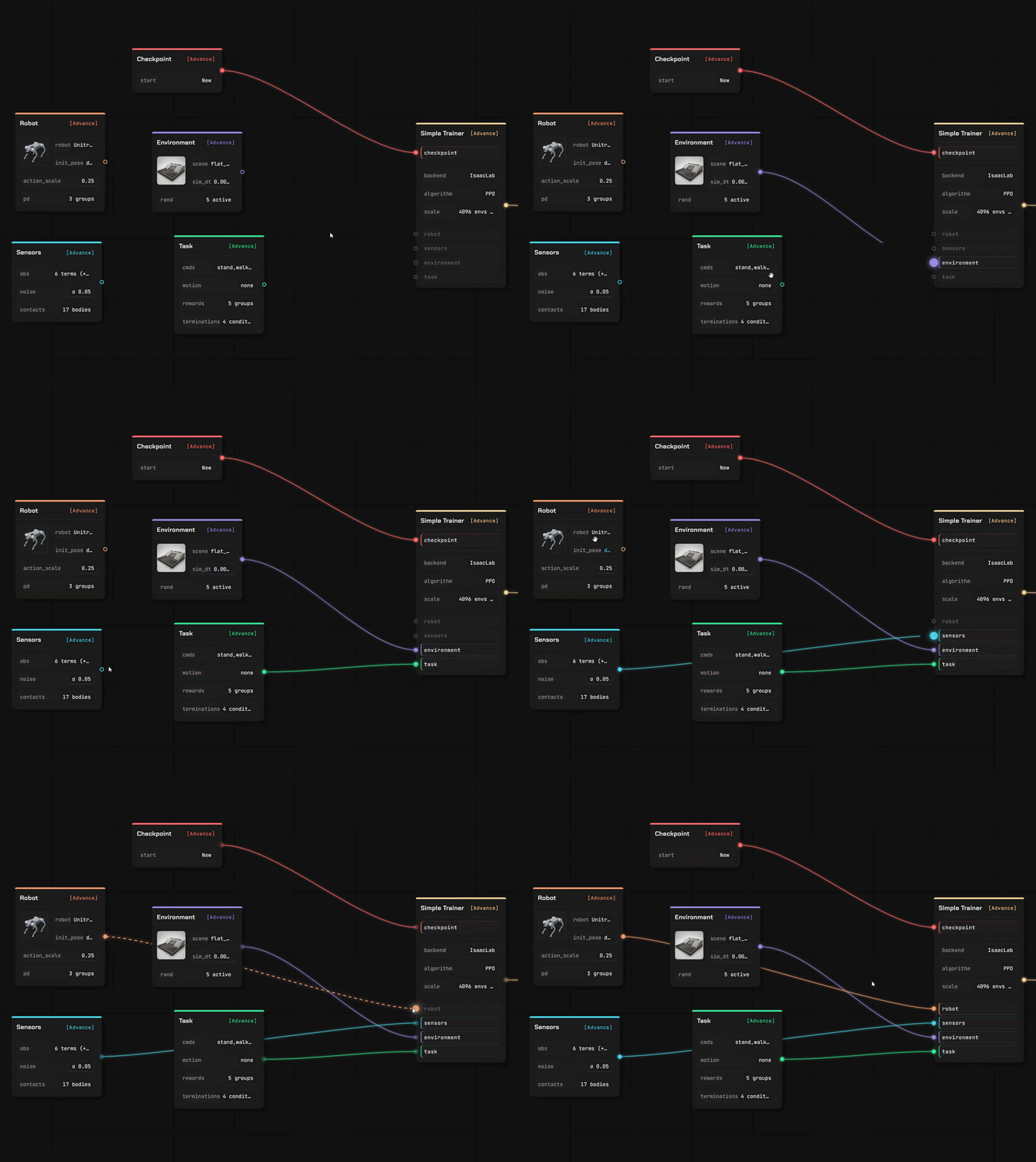
Porta il tuo robot e il tuo terreno su cui camminare
Due editor completi, nella stessa scheda della tela. I tuoi file vengono letti dove li hai rilasciati — una descrizione che carichi viene analizzata nel tuo browser, non su un server.
Editor del robot
Inserisci una descrizione del robot con le sue mesh e si aprirà come modello modificabile, link per link e giunto per giunto.
- URDF e MuJoCo XML vengono analizzati nel browser; uno stage USD viene letto dal nostro servizio
- Assegna i ruoli dei giunti, controlla gli inertiali, imposta il modello dell'attuatore
- Ogni valore indica la sua provenienza — tuo, stimato o un valore predefinito che abbiamo inserito
Editor della scena
Crea il terreno su cui la policy si allena, usando un pennello e una serie di generatori — poi usalo in una canvas di addestramento.
- Scolpisci il terreno, o genera scale, pendenze, scatole e terreni accidentati
- Posiziona oggetti che collidono realmente e imposta il punto di spawn del robot
- Salvati nella tua libreria, pronti per il nodo dell'ambiente
Importa ciò che hai già
Quattro tipi di asset, e più di un modo per importarli. Tutto ciò che importi finisce nel tuo storage, sotto il tuo account.
Da un repository pubblico
Incolla un link GitHub, seleziona i file, conferma. Una descrizione del robot porta con sé le mesh che nomina.
Dal tuo computer
Carica un file, oppure lascia che l'helper locale copi un modello, una scena, una clip o una run completata dal tuo computer.
Dalla community
Iscriviti a qualcosa pubblicato da un altro utente — si installa nella tua libreria pronto all'uso.
Addestra ovunque
Simula online
Connetti alla nostra GPU / ai tuoi server cloud o alla tua macchina.
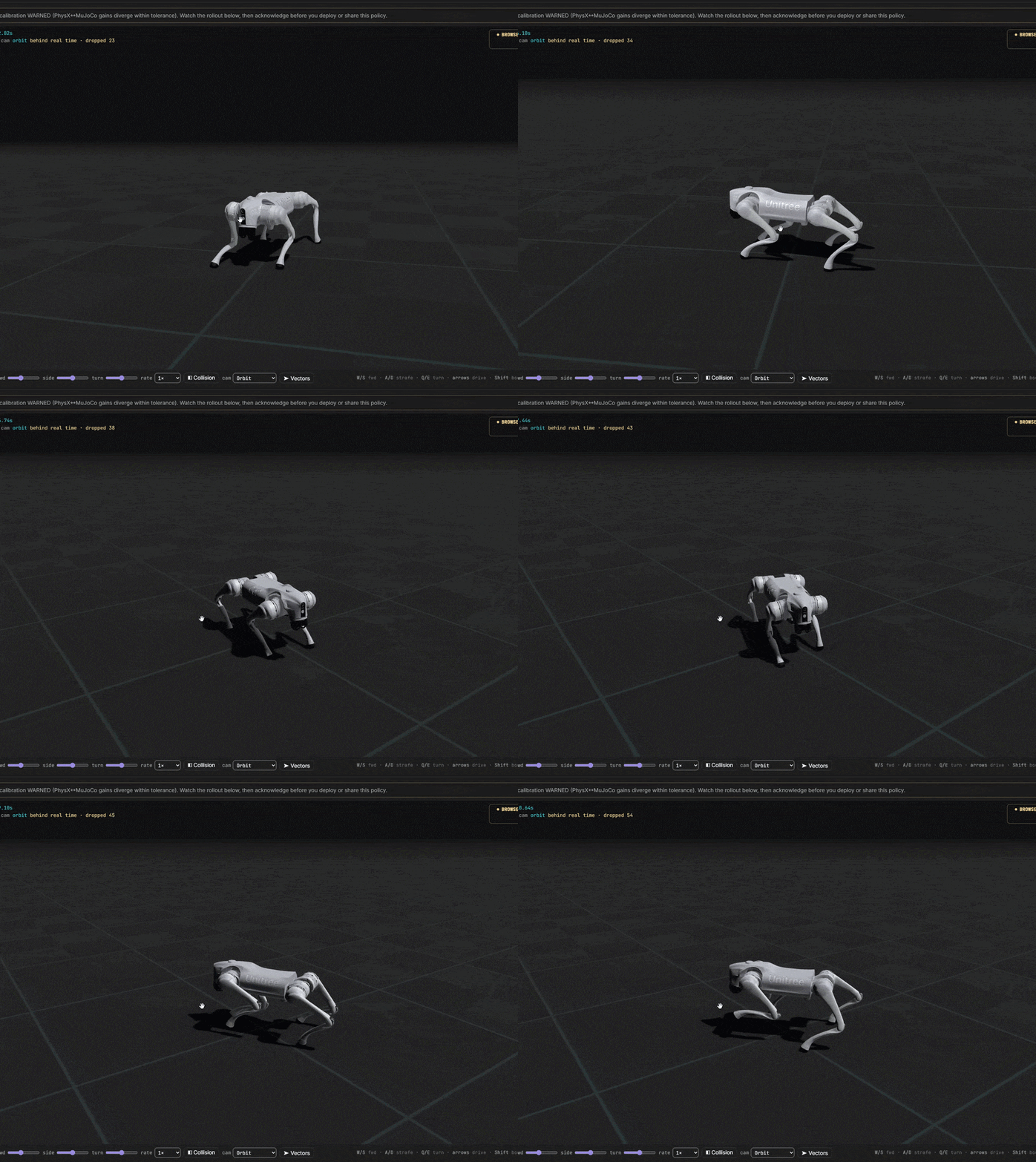
Dall'idea al robot addestrato
Controlli ogni costo. Inizia completamente gratis. Collegati subito ai nostri server o al tuo centro di addestramento.