Design Trainieren Bereitstellen
- Visuelle Workflow-Blöcke
- Integrierter KI-Assistent
- Online-Training und Wiedergabe
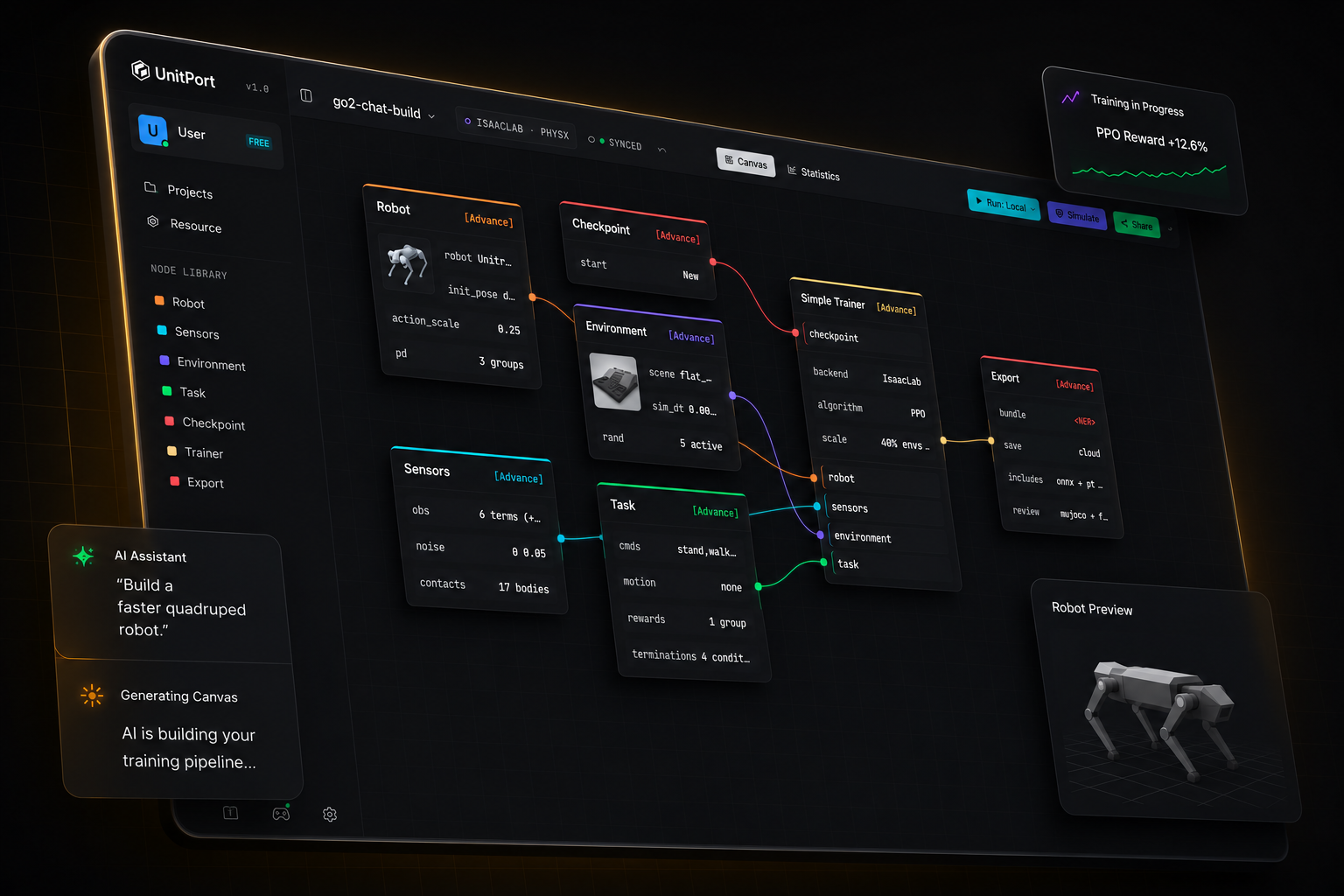
Robotertraining war noch nie so einfach
Vom Robotermodell zur lauffähigen Policy.
Vier Schritte, ein Browser-Tab. Sie installieren etwas nur, wenn Sie möchten, dass das Training auf Ihrer eigenen Maschine läuft.
-
01
Roboter hinzufügen
Beginnen Sie mit einem der eingebauten Roboter, oder importieren Sie Ihre eigene Beschreibung und bearbeiten Sie sie im Browser.
-
02
Graph zusammenstellen
Sechs Knoten tragen die gesamte Konfiguration — robot, observation, environment, task, checkpoint, trainer.
-
03
Trainieren
Auf unseren Cloud-GPUs, auf Ihrem eigenen Server oder auf Isaac Lab auf dem Rechner unter Ihrem Schreibtisch.
-
04
Prüfen Sie es, dann nehmen Sie es mit.
Spielen Sie die trainierte Policy in MuJoCo ab und exportieren Sie dann ein Bundle mit dem Vertrag, den ein Roboter benötigt, um sie auszuführen.
Sag der KI
Sie baut die Einrichtung auf.
Richten Sie es auf die KI, die auf Ihrem Computer läuft. Oder auf eine beliebige API-Adresse. Oder nutzen Sie einfach unseren Agenten.
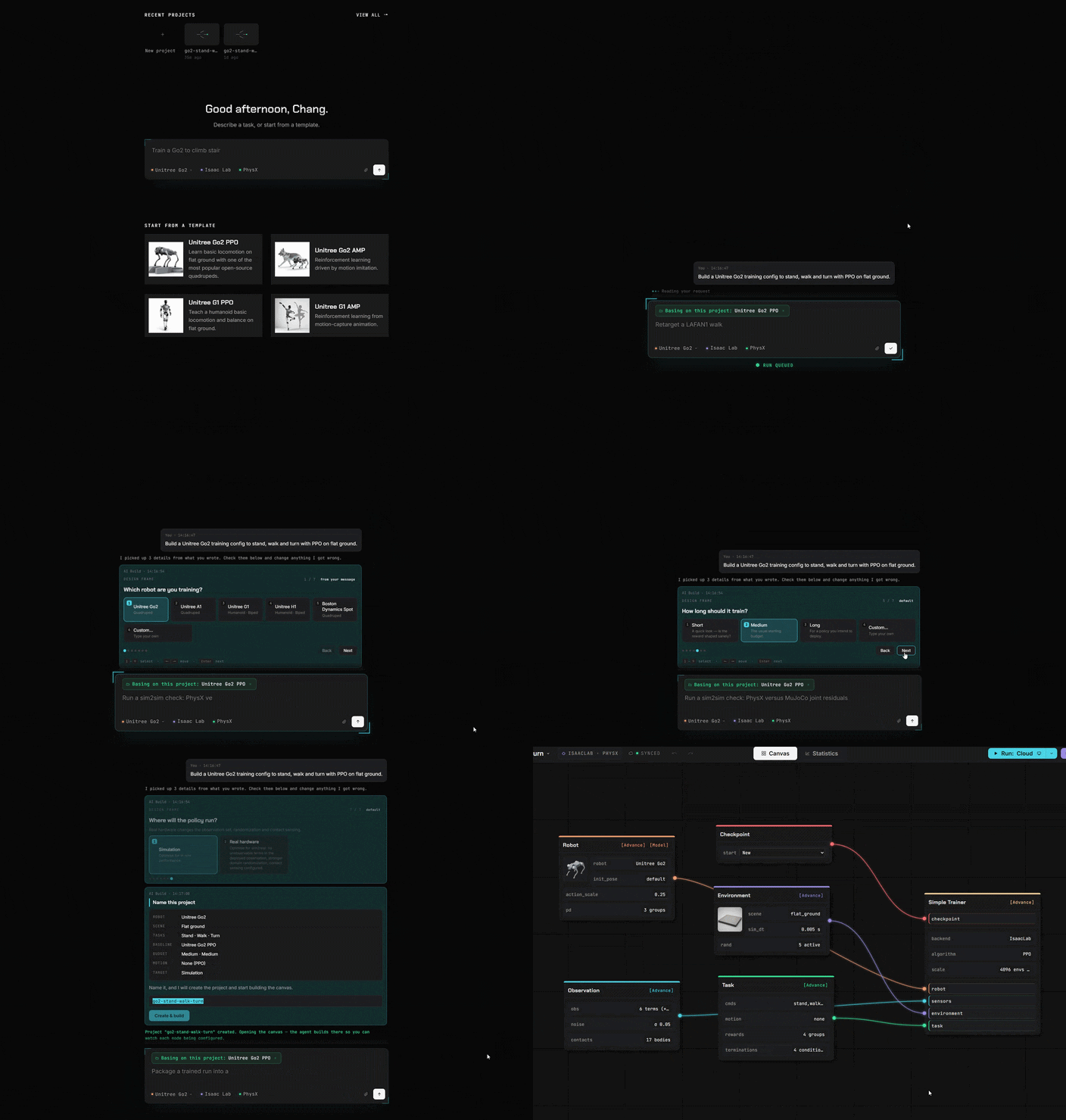
Blöcke statt Code
Alles, was du früher in Code geschrieben hast, ist jetzt ein Block. Ziehe ihn, verbinde ihn, fertig.
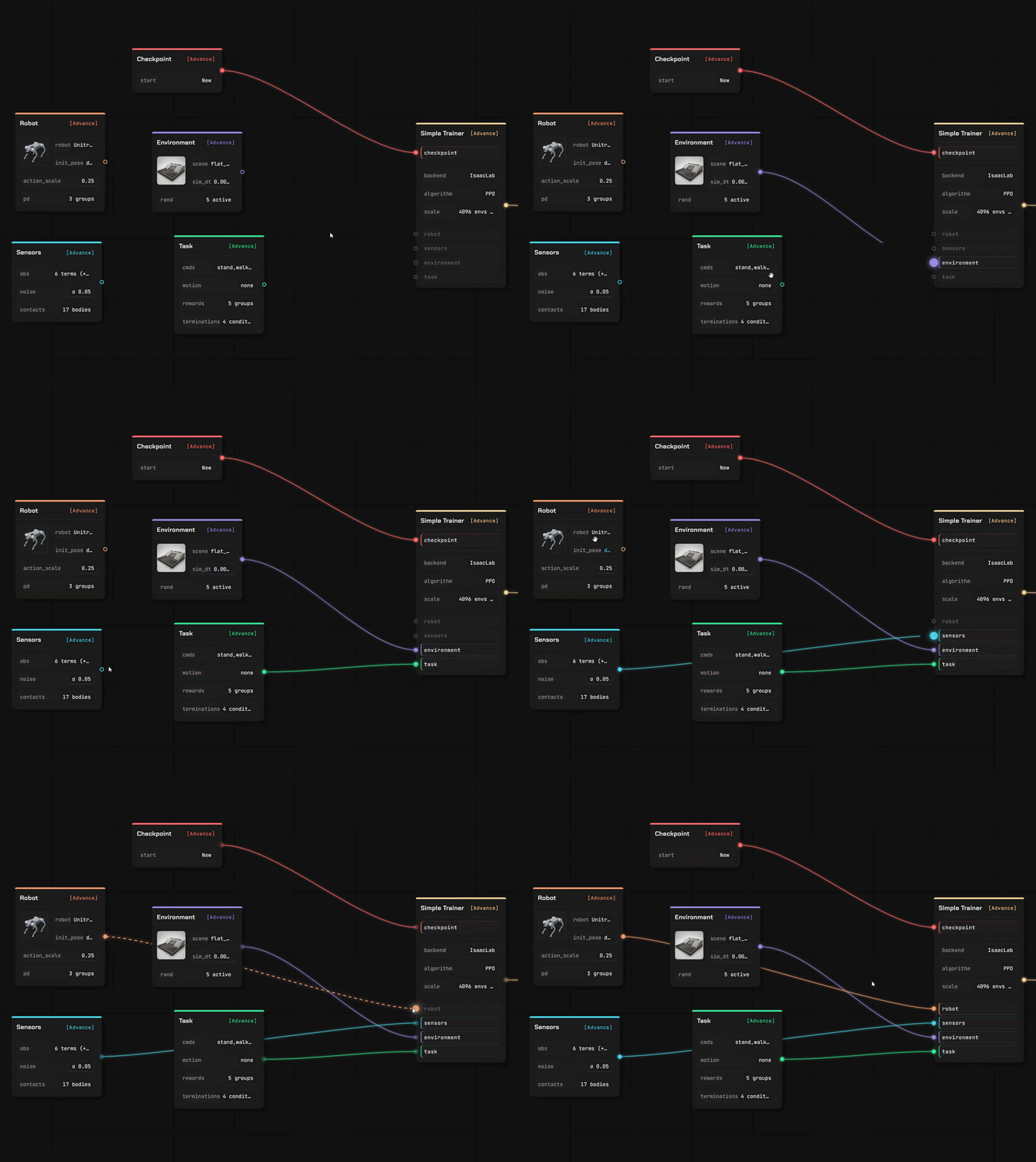
Bring deinen eigenen Roboter und deinen eigenen Untergrund zum Laufen mit
Zwei vollständige Editoren in derselben Registerkarte wie die Canvas. Deine Dateien werden dort gelesen, wo du sie abgelegt hast — eine von dir hochgeladene Beschreibung wird in deinem eigenen Browser geparst, nicht auf einem Server.
Roboter-Editor
Ziehe eine Roboterbeschreibung mit ihren Meshes hinein, und sie öffnet sich als bearbeitbares Modell — Segment für Segment, Gelenk für Gelenk.
- URDF und MuJoCo XML werden im Browser geparst; eine USD-Stage wird von unserem Service gelesen
- Gelenkrollen zuweisen, Trägheitswerte prüfen, Aktuatorenmodell festlegen
- Jeder Wert trägt seine Herkunft — deine, geschätzt oder ein von uns eingesetzter Standardwert
Szenen-Editor
Erstelle das Terrain, auf dem die Policy lernt, mit einem Pinsel und einer Reihe von Generatoren — und verwende es anschließend in einer Trainings-Canvas.
- Forme den Boden oder generiere Treppen, Rampen, Boxen und unebenes Gelände
- Platziere Props, die wirklich kollidieren, und lege fest, wo der Roboter erscheint
- In deine eigene Bibliothek gespeichert, bereit für den Environment-Node
Importiere, was du bereits hast
Vier Arten von Assets und mehr als ein Weg, sie hinzuzufügen. Alles, was du importierst, landet in deinem eigenen Speicher, unter deinem eigenen Konto.
Aus einem öffentlichen Repository
Füge einen GitHub-Link ein, wähle die Dateien aus, bestätige. Eine Roboterbeschreibung bringt die genannten Meshes mit.
Von deinem eigenen Rechner
Lade eine Datei hoch, oder lass den lokalen Helfer ein Modell, eine Szene, einen Clip oder einen fertigen Lauf von deinem Computer kopieren.
Aus der Community
Abonniere etwas, das ein anderer Nutzer veröffentlicht hat — es wird in deine Bibliothek installiert und ist einsatzbereit.
Überall trainieren
Online simulieren
Verbinde dich mit unserer GPU / deinen Cloud-Servern oder deinem eigenen Rechner.
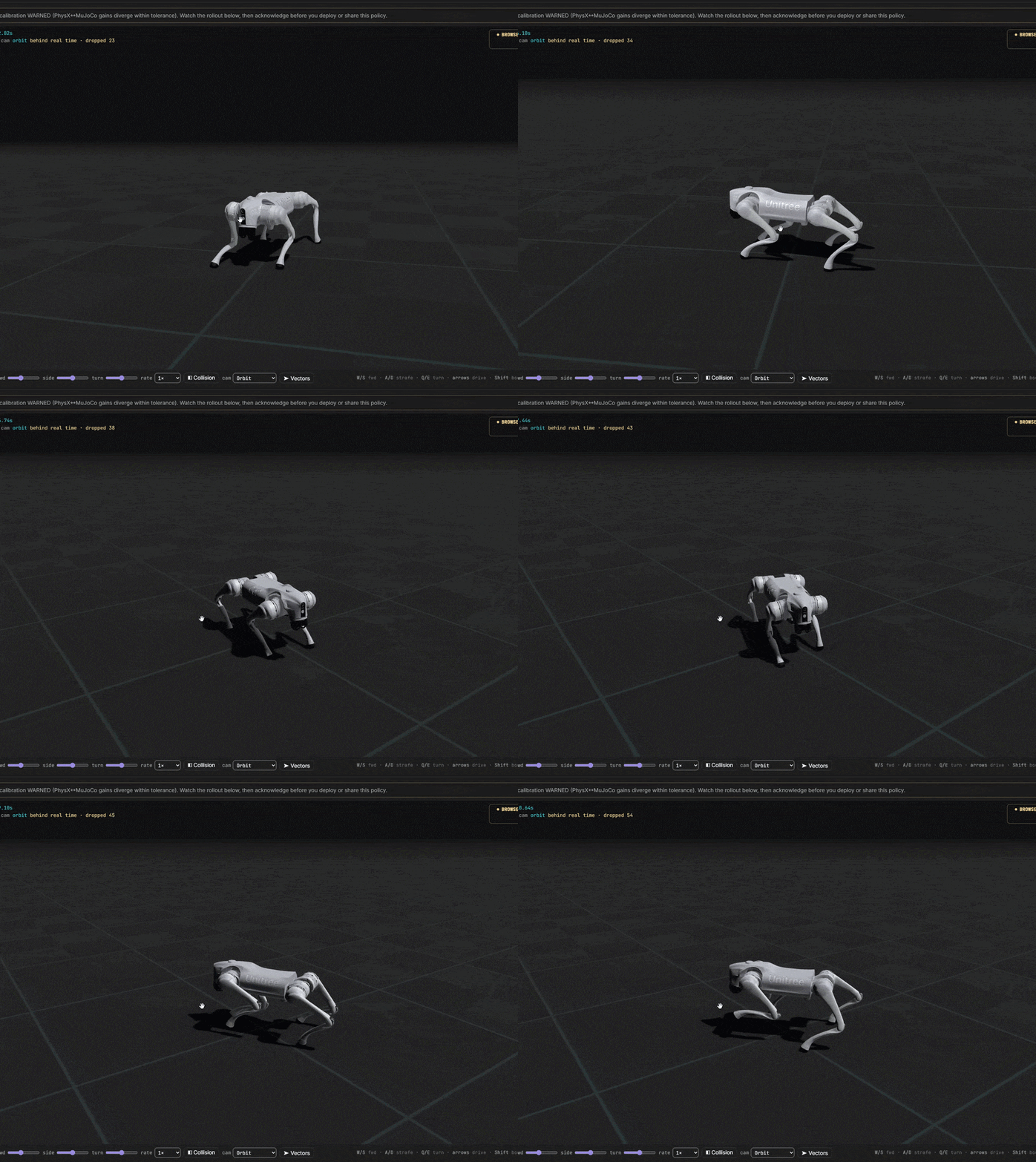
Von der Idee zum trainierten Roboter
Du kontrollierst alle Kosten. Starte völlig kostenlos. Verbinde dich schnell mit unseren Servern oder deinem eigenen Trainingszentrum.