Design Train Deploy
- Visual workflow blocks
- Built-in AI assistant
- Online training and playback
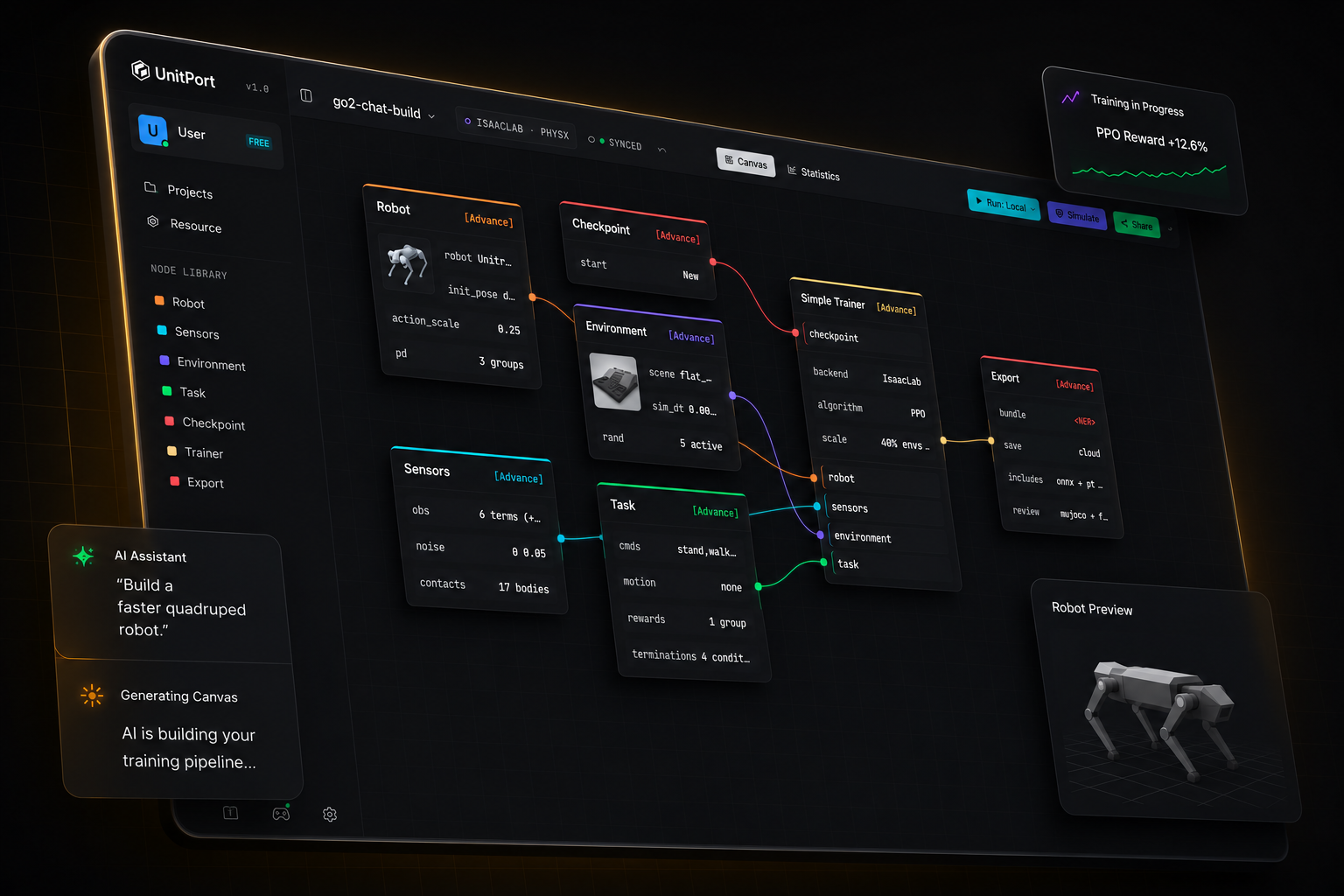
Robot training has never been this simple
From a robot model to a running policy
Four steps, one browser tab. You install something only when you want the training to run on your own machine.
-
01
Bring a robot
Start from one of the built-in robots, or import your own description and edit it in the browser.
-
02
Compose the graph
Six nodes carry the whole configuration — robot, observation, environment, task, checkpoint, trainer.
-
03
Train
On our cloud GPUs, on your own server, or on Isaac Lab on the machine under your desk.
-
04
Check it, then take it
Replay the trained policy in MuJoCo, then export a bundle with the contract a robot needs to run it.
Tell the AI
It builds the setup
Point it at the AI running on your computer. Or at any API address. Or just use our agent.
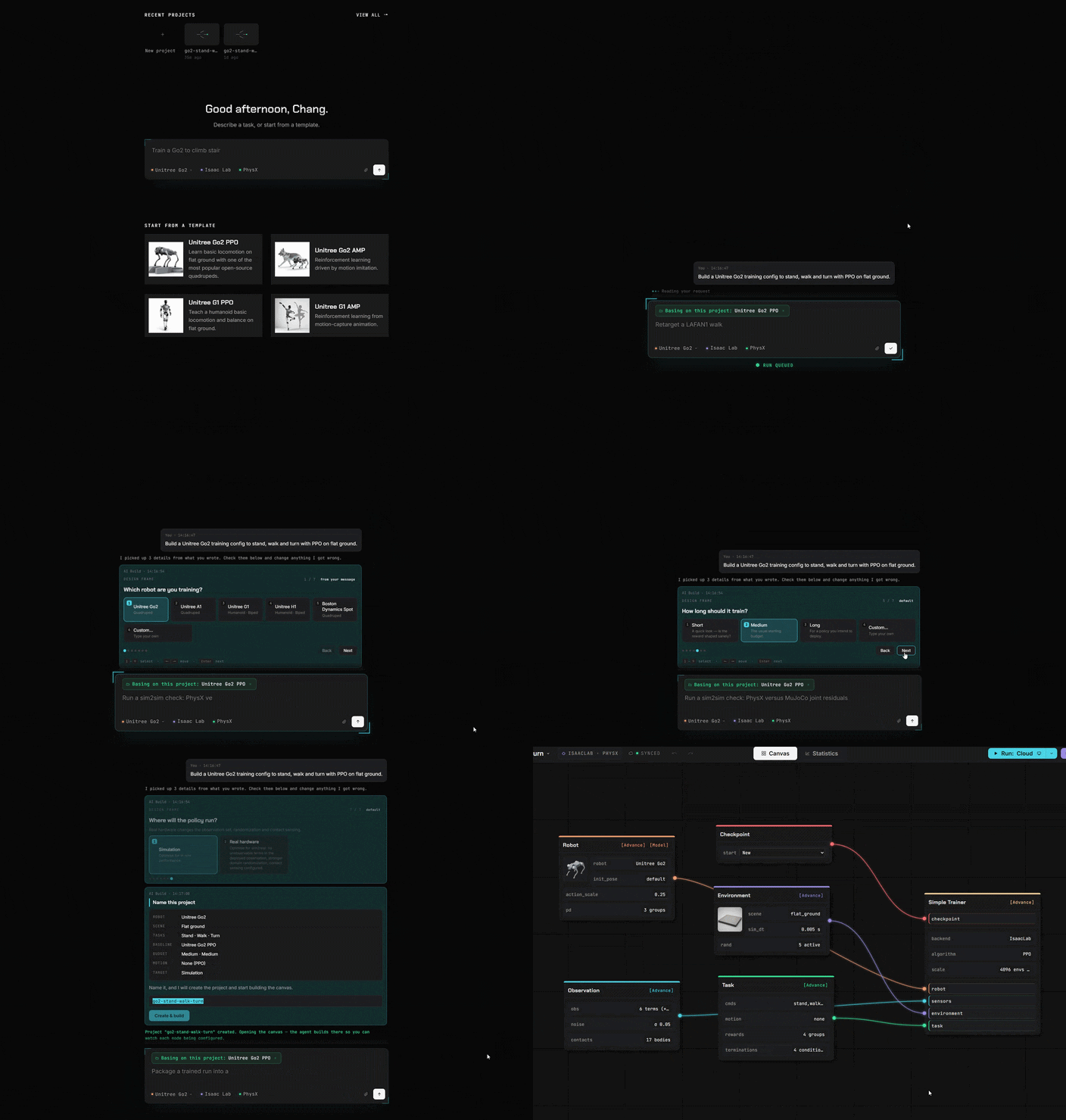
Blocks instead of code
Everything you used to write in code is now a block. Drag it, connect it, done.
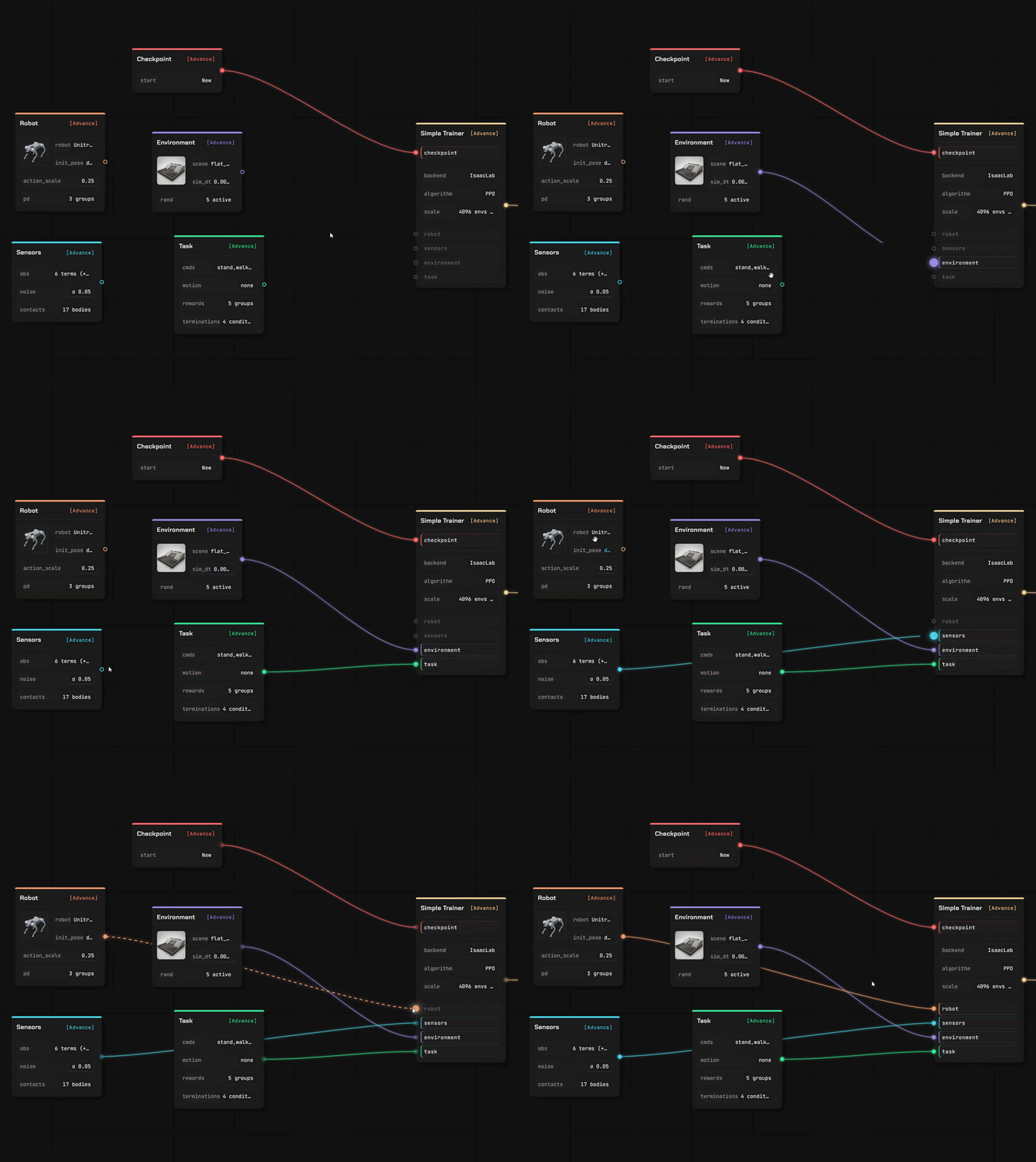
Bring your own robot, and your own ground to walk on
Two full editors, in the same tab as the canvas. Your files are read where you dropped them — a description you upload is parsed in your own browser, not on a server.
Robot Editor
Drop in a robot description with its meshes and it opens as an editable model, link by link and joint by joint.
- URDF and MuJoCo XML are parsed in the browser; a USD stage is read by our service
- Assign joint roles, check inertials, set the actuator model
- Every value carries where it came from — yours, estimated, or a default we injected
Scene Editor
Author the terrain the policy learns on, with a brush and a set of generators — then use it in a training canvas.
- Sculpt the ground, or generate stairs, slopes, boxes and rough terrain
- Place props that really collide, and set where the robot spawns
- Saved into your own library, ready for the environment node
Import what you already have
Four kinds of asset, and more than one way in. Everything you import lands in your own storage, under your own account.
From a public repository
Paste a GitHub link, pick the files, confirm. A robot description brings the meshes it names along with it.
From your own machine
Upload a file, or let the local helper copy a model, a scene, a clip or a finished run in from your own computer.
From the community
Subscribe to something another user published — it installs into your library ready to use.
Train anywhere
Simulate online
Use our cloud GPU. Or your own compute center. Or Isaac Lab on your machine.
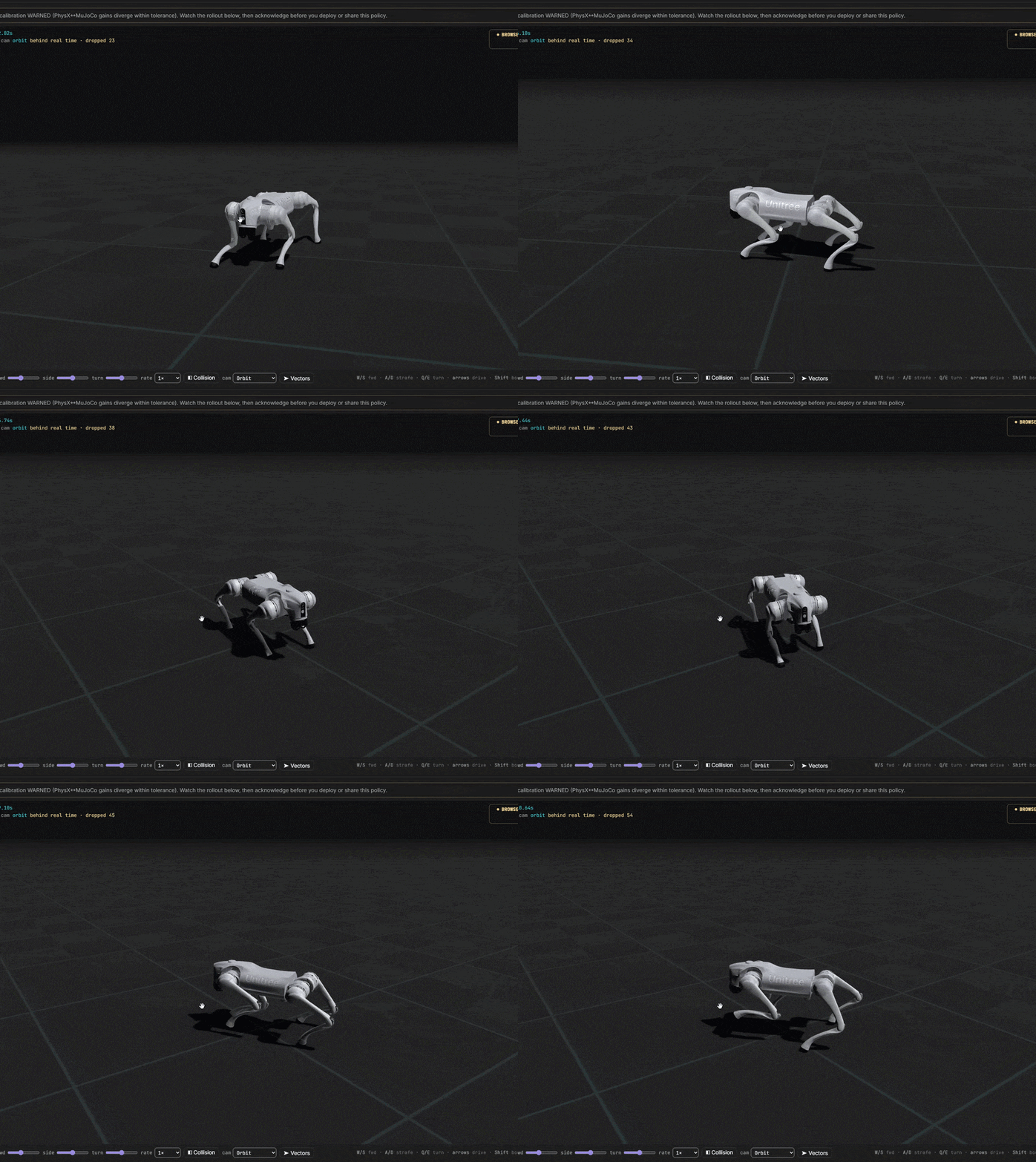
From idea to trained robot
You control every cost. Start completely free. Connect quickly to our servers or your own training centre.